WhatsApp · February 11, 2026
How to use a floating WhatsApp button on your link in bio
One of the hardest parts of selling online is making sure that a customer who wants to ask something can ask it immediately. A floating WhatsApp button keeps that conversation one tap away, on every screen of your page.
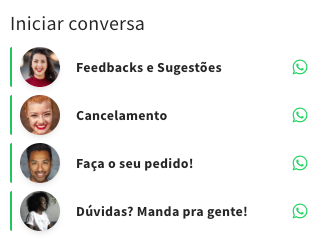
Why floating, and not just another button
An ordinary button lives at one position in the list. If the visitor has scrolled past it, it is gone. A floating button stays in the corner of the screen while the page moves under it, so the offer to talk is there at the exact moment a doubt appears — usually somewhere in the middle of the page, next to a price.
That is also why the floating button should not compete with your main call to action. Keep it small, keep it in a corner, and let the page do the selling.
Set it up in three steps
The whole thing takes a couple of minutes and does not need any code on your side.
- Open the appearance settings of your page and turn the floating WhatsApp button on.
- Enter the number in international format, with country and area code and no spaces.
- Write the first message for the visitor — the text that is already typed when the chat opens.
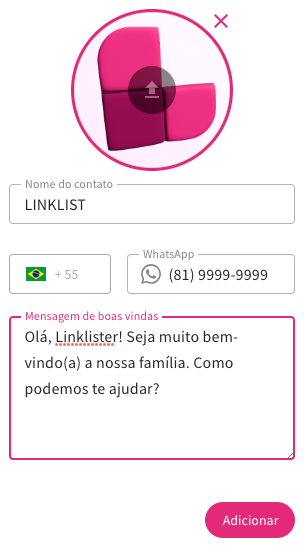
The pre-filled message does most of the work
A chat that opens empty puts the work on the customer, and a good share of them close it again. A chat that opens with “Hi! I saw the link in your bio and I would like to know about …” starts the conversation for them.
If you sell several things, use a different pre-filled message for different campaigns. When the message names the product, whoever answers already knows what the conversation is about, and the reply gets faster — which is the whole point.
Answer fast, or turn it off
A visible WhatsApp button is a promise that somebody is there. If nobody is there in the evening, say so: a short line in the pre-filled message or on the page (“we answer from 9 to 18”) costs nothing and prevents the kind of silence people remember.
It is better to show the button only during the hours you can actually reply than to collect unanswered messages overnight.
The floating button is part of every paid plan — see plans and prices, or read how the link in bio page is put together.