Fast, easy and customizable!
Create custom QR Codes and quickly and easily direct your customers to your business.

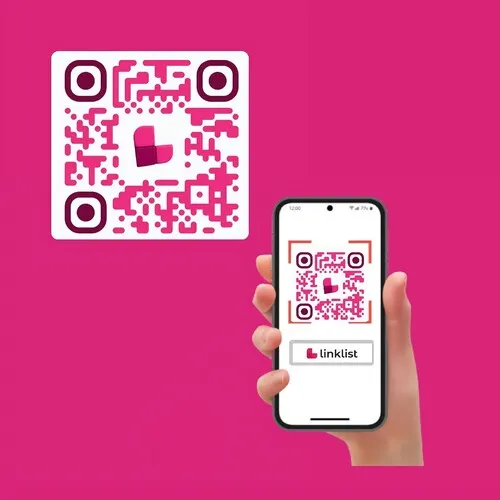
Facilitates access to information
By creating a QR Code on Handshakeproductions you can provide your customers with a convenient way to access important information about your products or services.
Grow on social media
QR codes can help drive traffic to your social media platforms, allowing customers to follow your business and access additional content. You can create a QR code that redirects to your Facebook, Instagram and/or YouTube page where customers can connect and interact with your brand.
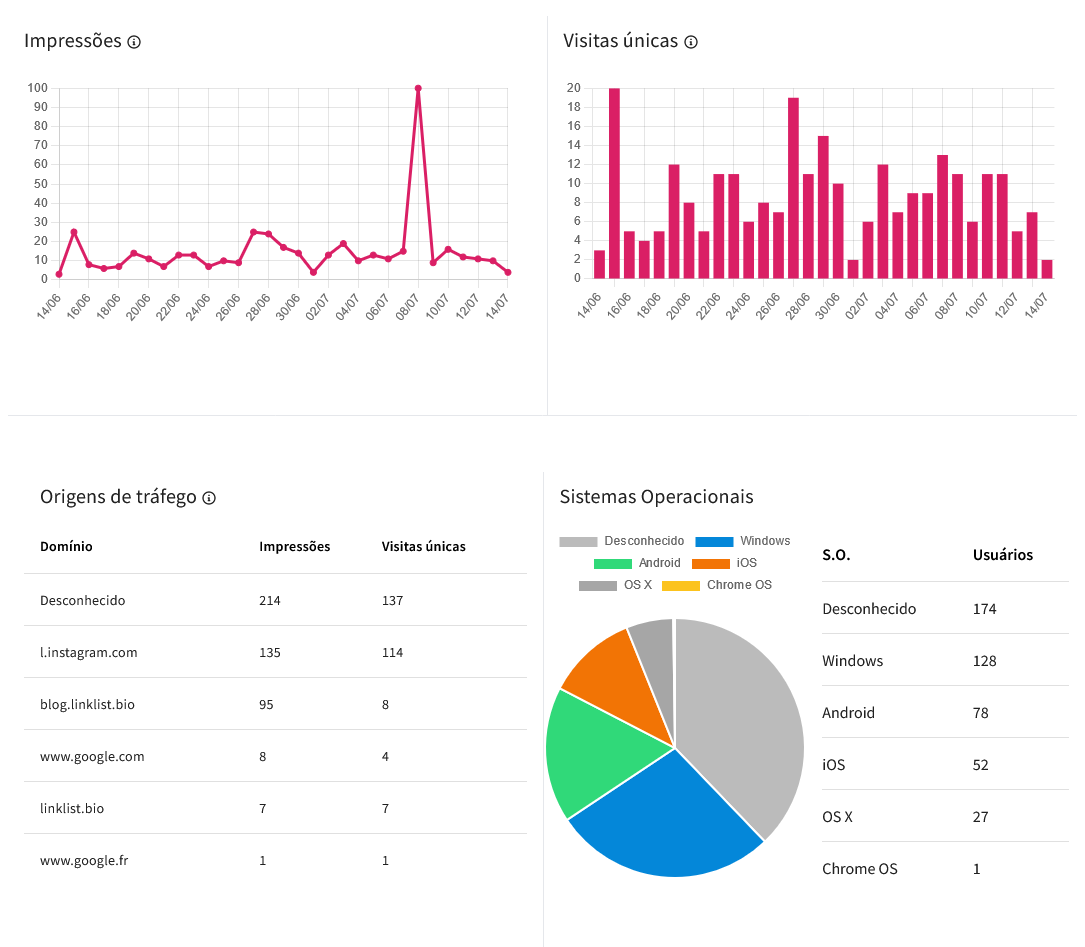
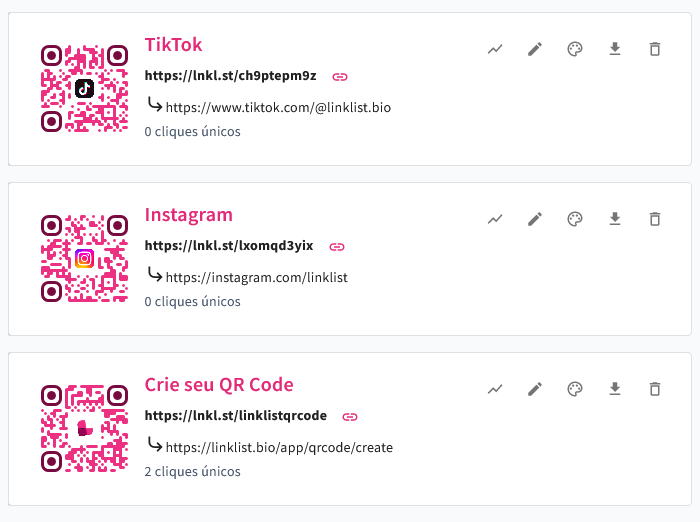
How else can Handshakeproductions help you with the QR Code feature
- Distribution of coupons and discounts.
- Interactivity with marketing campaigns.
- Simplified mobile payments
- Ease of ordering and booking services.
Where a QR code earns its place
A code works when the person is already holding the phone and standing still. That is why the best places for one are almost always physical and unhurried: a table, a window, a package, the bottom of a receipt, the back of a business card, the corner of a printed menu. Codes on billboards and on the side of moving vehicles look impressive and are almost never scanned.
Give the code somewhere to land. A code that opens a home page makes the visitor start their search from scratch; a code that opens the exact menu, product or booking form finishes the job the poster started. Because the destination is a page you control, you can change what sits behind the same printed code whenever the campaign changes.
Before you print a thousand of them
Almost every problem with a printed code is a printing problem, not a scanning problem. Five minutes of checking saves a reprint.
- Test it with two different phones, and once in daylight and once under indoor light.
- Keep the quiet margin — the empty space around the square. Codes cropped tight to a design fail more often than any other kind.
- Do not print it smaller than about two centimetres on paper, or twenty on a poster people read from across a room.
- Keep contrast high and do not invert the colours: a light code on a dark background fails on many older cameras.
- Write one line of text under it saying what happens when it is scanned. People scan far more readily when they know where they are going.
Make it yours
A code with your logo in the middle and your brand colour reads as part of the material it is printed on rather than a sticker somebody slapped on. It also tells the person that the code was put there by you, which matters more every year as fake codes stuck over real ones become a common scam.
Generate one from any page or link you already have, or read how the link in bio page works if you do not have a destination yet.