Digital catalogue

Creating your first digital catalogue

A catalogue is what you reach for when a list of links is not enough any more — when people want to see prices, pick a size and send an order without leaving the page.
Someone browsing a digital catalogue on a phone

Start with categories, not with products

Decide how a stranger would look for your products before you upload anything. Three to six categories with obvious names beat twenty exact ones: a person who does not know your range cannot choose between “Signature” and “Selection”, but they can choose between “Pizzas” and “Drinks”.

Photograph the products the same way

The catalogue looks organised when the photos agree with each other — same distance, same background, same light. It matters more than the quality of any individual photo. Add up to ten photos or videos per product, but put the one that shows the whole product first.

  1. Create the categories first, then add products into them.
  2. Give every product a price, and a short description that answers the question the photo leaves open — weight, size, what comes with it.
  3. Add an illustrative photo to each category; empty categories read as a broken page.
  4. Mark what is out of stock instead of deleting it, so you do not have to type it back in.
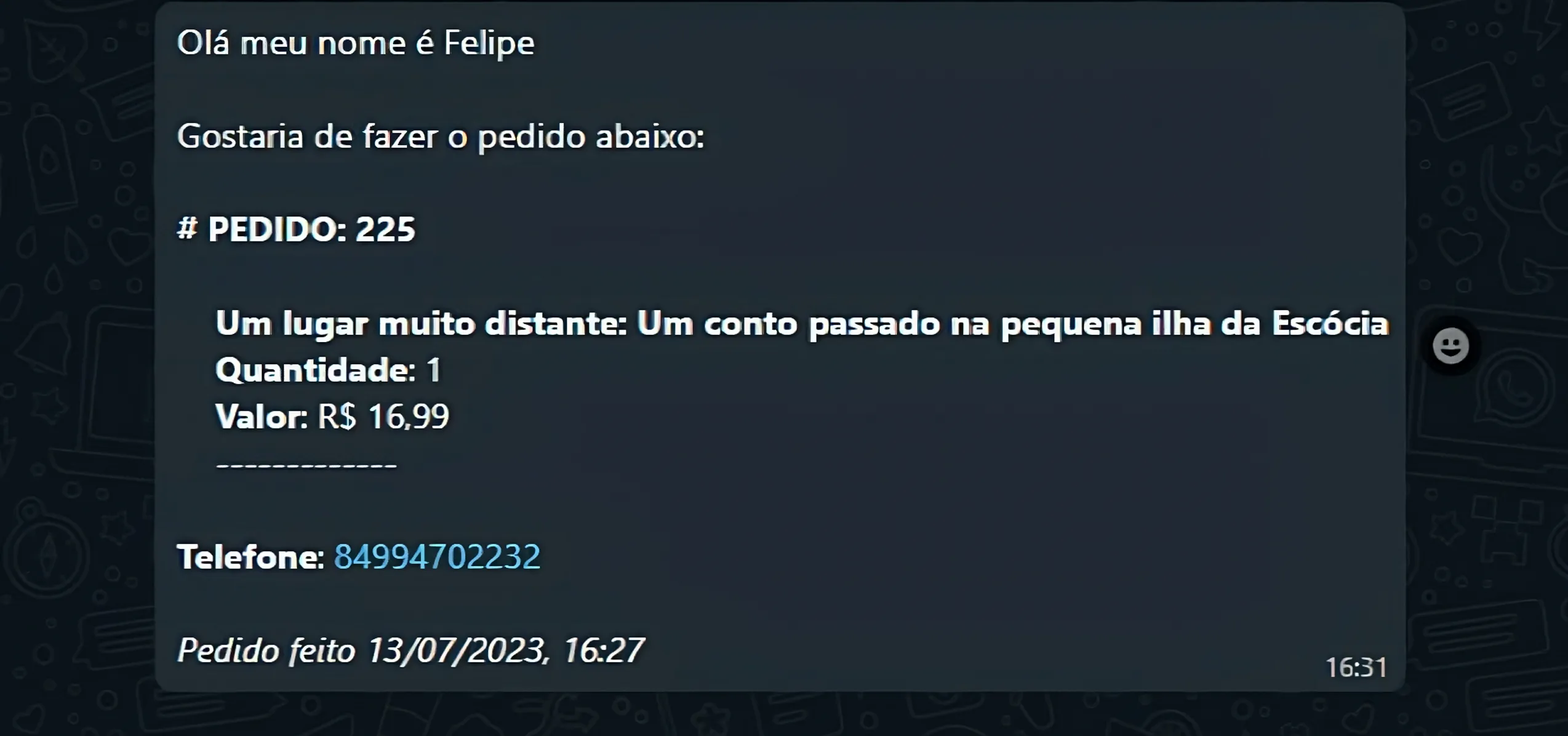
An order arriving as a WhatsApp message

Orders arrive where you already work

When a customer finishes an order it arrives as a message with everything you need: the products, the quantities, the total and the customer's details. There is no new inbox to check and nothing to install — which is the main reason a small team actually keeps using it.

Before you share it

Open the catalogue on a phone and order something yourself. It is the fastest way to find the product with the missing price, the category with no photo and the description that made sense only to you.

See what the catalogue can do on the digital catalogue page.

Your marketing strategy needs attitude

When you take the first step, you start the test network that makes you understand what works to leverage your business results on digital. In addition to the ideal tools to do this, Handshakeproductions offers you specialized email support to hack your company's growth. If you need it, our specialized support in Digital Marketing will be ready to assist you.

Frequently Asked Questions

Check out the most frequently asked questions about Handshakeproductions. If you can't find the answer you're looking for, visit our help centre.

My two-factor verification code does not work
Almost always this is the clock on the phone: the codes are generated from the current time, so a device that is a minute out shows codes that are already wrong. Turn on automatic date and time, then try the next code. If it still fails, use one of the recovery codes you saved when you switched two-factor on.
My link is under review. Why, and how long does it take?
Pages are reviewed automatically when they contain something our filters treat as risky — a shortened address pointing at another shortener, a payment form or a download. The page stays online for you while it is reviewed, and a review normally finishes within one business day.
I cannot access the email address linked to my account
Change it from a device where you are still signed in: open your profile, enter an address you control and confirm it from the new inbox. If you are signed out everywhere, write to support and include the address of your page.
Can I add a PDF to my list of links?
Not as a file upload, but a PDF works as a button like any other address: put the file somewhere it can be opened publicly and paste that address into the button.