Link in bio

How to create your first link in bio

Ten minutes from an empty account to a page you can paste into any profile. This is the short version of everything that matters on the first day.
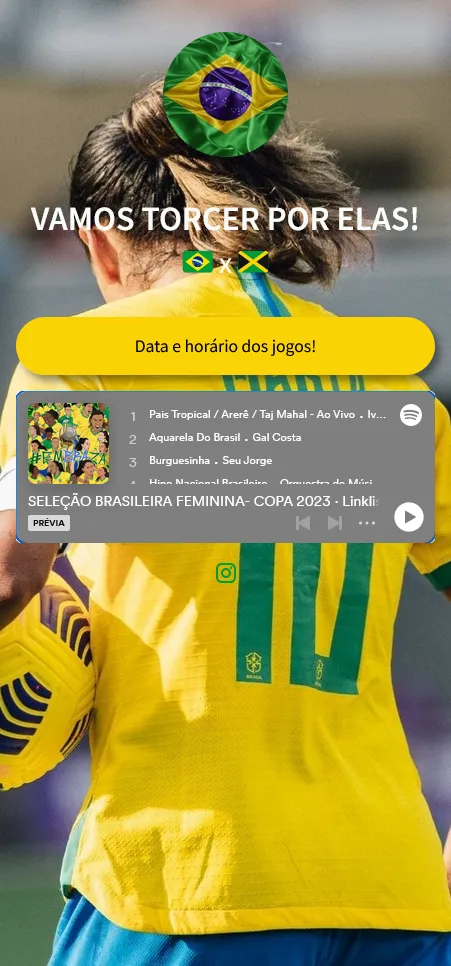
A finished link in bio page on a phone screen

1. Choose the address

The address is the part people will read out loud and type by hand, so keep it short and make it the name of the business, not an abbreviation only you understand. It appears in your profile, on receipts and inside QR codes, and changing it later means every printed copy stops matching.

2. Add the buttons in the order people need them

A first page usually needs four or five buttons, no more. Write each one so it names what is behind it — “Order on WhatsApp”, “Menu”, “How to get here” — and put the thing people ask for most at the top.

  1. Open your dashboard and create a new page.
  2. Add a button, give it a name and paste the destination address.
  3. Drag the buttons into the order you want; the first one gets the most clicks by a wide margin.
  4. Hide, rather than delete, a button you only use during a campaign — it keeps its numbers for the next time.

3. Make it look like your brand

Set the background, the text colour and the shape of the buttons. If you have a logo, put it at the top: the page is often the first thing a new customer sees, and a page that matches your profile feels like the same company rather than a redirect.

4. Publish and put it to work

Paste the address into every profile bio you have, and generate a QR code for the places where a link cannot be tapped — packaging, a window, a business card, the bottom of a receipt.

What to check after the first week

Look at which buttons were actually opened. If the button you put first is not the one people use, move it. If a button gets almost nothing, the wording is usually the reason, not the position.

Next: creating your first digital catalogue.

Your marketing strategy needs attitude

When you take the first step, you start the test network that makes you understand what works to leverage your business results on digital. In addition to the ideal tools to do this, Handshakeproductions offers you specialized email support to hack your company's growth. If you need it, our specialized support in Digital Marketing will be ready to assist you.

Frequently Asked Questions

Check out the most frequently asked questions about Handshakeproductions. If you can't find the answer you're looking for, visit our help centre.

My two-factor verification code does not work
Almost always this is the clock on the phone: the codes are generated from the current time, so a device that is a minute out shows codes that are already wrong. Turn on automatic date and time, then try the next code. If it still fails, use one of the recovery codes you saved when you switched two-factor on.
My link is under review. Why, and how long does it take?
Pages are reviewed automatically when they contain something our filters treat as risky — a shortened address pointing at another shortener, a payment form or a download. The page stays online for you while it is reviewed, and a review normally finishes within one business day.
I cannot access the email address linked to my account
Change it from a device where you are still signed in: open your profile, enter an address you control and confirm it from the new inbox. If you are signed out everywhere, write to support and include the address of your page.
Can I add a PDF to my list of links?
Not as a file upload, but a PDF works as a button like any other address: put the file somewhere it can be opened publicly and paste that address into the button.